

According to Adjust's "Mobile App Trends 2026" report, global digital behavior is undergoing a significant change. In 2025 alone, overall application installs grew by 10% and active user sessions increased by 7%, driving consumer spending to a record $167 billion. As someone who researches digital privacy, the most compelling finding I've noted is this: iOS App Tracking Transparency (ATT) opt-in rates climbed from 35% to 38% in the first quarter of 2026. This data confirms a trend I've been monitoring closely—families are moving away from stealth surveillance and increasingly choosing transparent, data-driven frameworks to manage their digital lives.
If you want to establish a reliable digital safety routine for your household, you need a step-by-step approach to evaluating activity tracking tools based on analytical accuracy, platform coverage, and transparent reporting. Instead of downloading the first utility you find, assessing these platforms systematically ensures you get objective timelines rather than misleading notifications. In practice as a technology writer, skipping this evaluation process usually leads to broken trust and fragmented data.
To help you separate practical tools from empty promises, I have outlined a specific framework for assessing messaging activity applications.
Step 1: Why does platform crossover dictate your first move?
The first step in evaluating any digital safety tool is recognizing that single-app monitoring is obsolete. Today's users do not communicate in silos. A teenager might coordinate a school project on WhatsApp, switch to Telegram for a hobby group, and move to another platform entirely within a five-minute window.
When selecting a tool, you must prioritize multi-platform measurement architecture. An application that only checks one network will leave massive gaps in your understanding of a family member's digital habits. In my previous research regarding how multi-platform measurement is replacing single-app tracking, I've noted that unified analytics provide a much more objective view of screen time than isolated alerts.
Practical Tip: Before installing anything, verify if the tool handles parallel sessions across multiple networks. If it only provides a basic online/offline toggle for a single messaging service, it is not equipped for modern 2026 digital behavior.
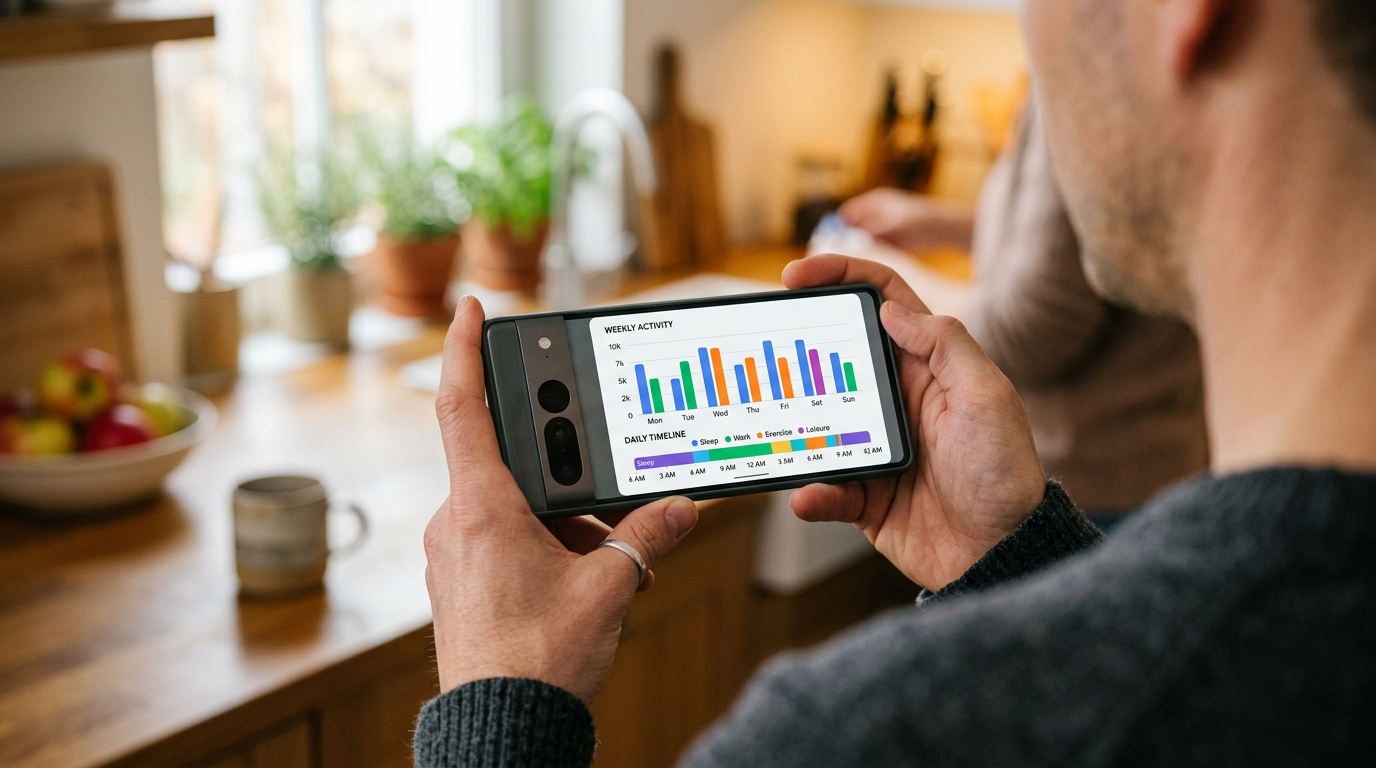
Step 2: How do you identify the difference between active use and background noise?
The second step involves understanding device context. A simple "last seen" timestamp is rarely the whole story. Often, families misinterpret an "online" status as active engagement when it is actually just background synchronization.
This is especially true with desktop clients. A family member might be watching a streaming service on their main monitor while leaving a WhatsApp Web or Telegram Web tab open in the background. Many basic trackers will register this as hours of active messaging, causing unnecessary friction. You need a system that visualizes session lengths accurately.
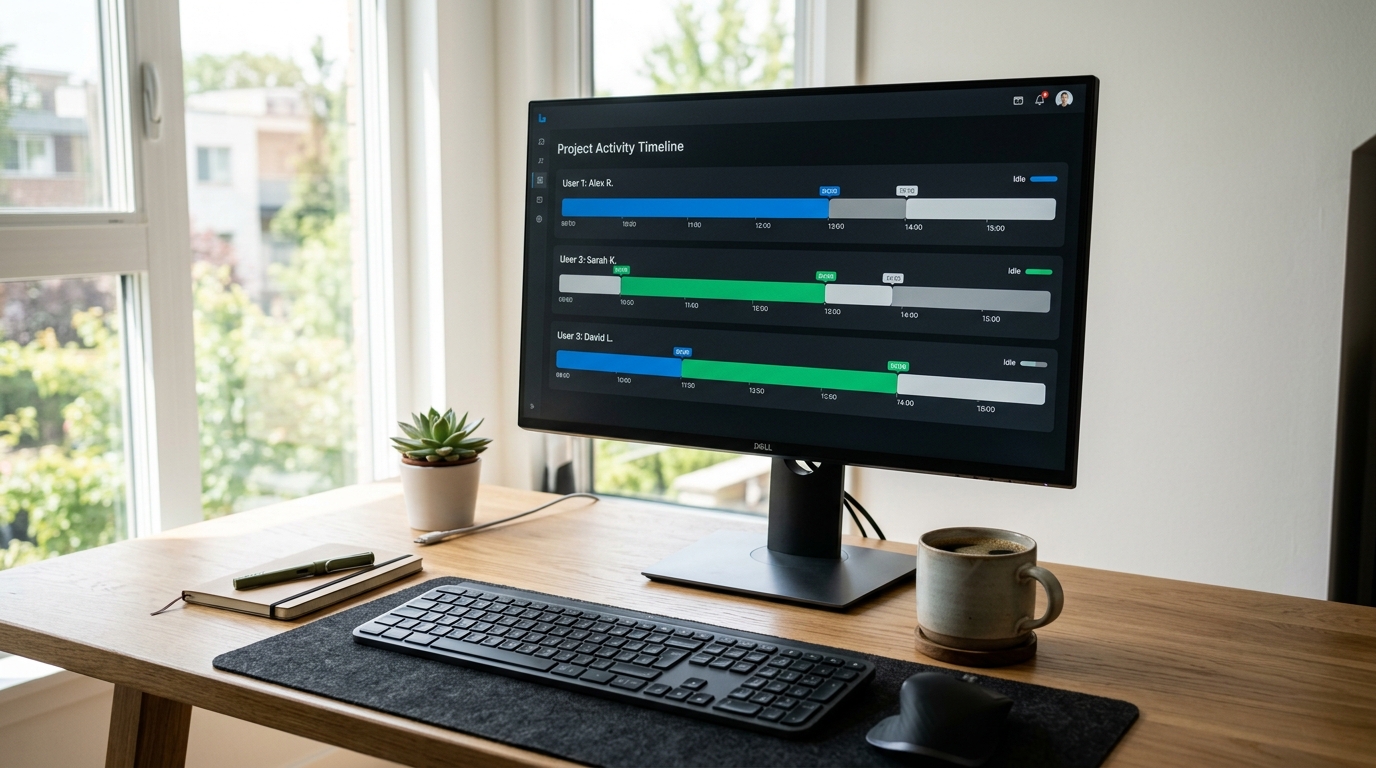
Practical Tip: Look for a "Session Timeline View." This feature visualizes the exact duration of each session rather than just firing off a notification. It helps you distinguish between a brief two-minute check-in and an ongoing conversation.
Step 3: What are the warning signs of misleading tracking tools?
The third step is technical vetting. The market is saturated with tools that make impossible promises. In my research, the biggest red flags come from applications claiming to bypass end-to-end encryption or retrieve deleted messages. These claims are technologically false and often mask security risks.
For example, modified third-party clients like GB WhatsApp are often discussed in forums as ways to manipulate status visibility. Some parents search for applications that claim to "crack" these modified clients. As I have previously detailed when debunking family online tracking myths, network-level status reporting relies on server pings, not local device modifications. A legitimate tool measures publicly available network signals rather than attempting to compromise the device.
Practical Tip: Avoid tools that require you to root a device, disable security protocols, or install unverified profiles. Legitimate measurement tools operate strictly on public network activity.
Step 4: How do you establish the right technical criteria for your household?
The final step is establishing clear decision criteria that align with your actual needs. When analyzing international search behaviors, users frequently look up terms such as "tracking application," "direct access," and phrases like "last seen tracker" or "online status tracking." While the terminology changes across borders, the core technical expectations remain identical globally.
You should evaluate tools based on this specific framework:
- Clarity of Reporting: Does the tool provide visual timelines, or just confusing text logs?
- Reliability: Does it maintain tracking during network fluctuations without dropping data?
- Transparency: Is it built for mutual family safety, or is it marketed as stealth spyware? (Legitimate tools are NOT for unauthorized surveillance.)
If you want a clear, objective view of messaging habits without constantly refreshing a contact page, When: WA Family Online Tracker's timeline architecture is designed exactly for that purpose. It strips away the noise and provides straightforward, readable data.
Ultimately, analyzing your family's digital footprint shouldn't require advanced technical skills. By prioritizing multi-platform architecture, understanding background sessions, and avoiding unrealistic technical claims, you can implement a solution that genuinely supports your family's digital well-being.