

Why do so many parents abandon digital safety utilities within the first month of installing them?
The answer is that traditional trackers provide isolated timestamps rather than meaningful context, failing to match how people actually use multiple messaging platforms. Over my 8 years working as a software engineer building mobile analytics architectures, I've observed a massive shift in what families actually need. Recently, we analyzed our user retention milestones at When: WA Family Online Tracker to figure out exactly why some digital safety habits stick while others fail.
Rather than simply celebrating a user count, I want to share the practical lessons we extracted from the data. The mobile ecosystem has matured significantly. According to the 2024 Mobile App Trends report by Adjust, artificial intelligence technologies have transitioned from strategic additions to core infrastructure. Families now expect sophisticated, unified insights. Here is a step-by-step breakdown of what our retention data reveals about building a sustainable approach to digital safety.
Step 1: Recognize that multi-platform behavior is the default standard
Single-platform monitoring is fundamentally flawed because human communication no longer happens in a single ecosystem. A teenager might start a conversation on their smartphone, move to a desktop computer, and finish the chat on a tablet.
Deloitte’s 2024 Digital Media Trends research illustrates this perfectly. They found that 55% of highly engaged consumers—such as fans of massive media franchises like The Last of Us—interact with their favorite content across multiple platforms simultaneously. This exact same behavioral pattern applies to daily messaging. A user might check the standard Telegram app on their commute, switch to WhatsApp Web during study hours, and occasionally check Telegram Web on a shared family computer.
Practical Tip: When evaluating a digital habit tool, verify that it can aggregate activity from multiple sources. A tool that only checks one isolated status will give you fragmented data that misrepresents actual screen time.

Step 2: Prioritize native speed and technical reliability
One of the most striking insights from recent industry data is how impatient users have become with poorly optimized utilities. We noticed early on that whenever our timeline visualization took an extra second to load, session abandonment spiked.
This observation aligns directly with 2024 reporting from Lavinya Media, which states that 70% of smartphone users delete slow apps on their very first use. If a parent opens an app to review their family's activity and the interface lags or fails to refresh, trust in the tool evaporates immediately. Retention relies entirely on native performance and smooth data integration.
Practical Tip: Test the responsiveness of the reporting dashboard. If you have to manually refresh the screen constantly to see the most recent activity, the underlying architecture is likely outdated. Speed matters more than a crowded feature list.
Step 3: Establish clear consent and avoid ecosystem risks
The era of trying to install stealth software is effectively over. Users are more aware of their digital footprints, and mobile operating systems are actively hostile toward covert monitoring. Adjust’s 2024 data shows that App Tracking Transparency (ATT) consent rates among iOS users actually increased in the first quarter of the year. This suggests that when users understand the value of data sharing, they are willing to consent to it openly.
Furthermore, avoiding third-party modifications is critical for device security. I heavily advise against using modified clients like GB WhatsApp. These unauthorized applications pose massive security vulnerabilities and often result in permanent account bans. Safe digital parenting requires using legitimate, compliant measurement methods.
Practical Tip: Have an open conversation with your family about why you are measuring screen time. Transparency builds trust, whereas stealth utilities often damage relationships and introduce severe malware risks to the device.
Step 4: Focus on session duration rather than isolated timestamps
The traditional metric of a "last seen" timestamp is practically useless in the current mobile landscape. Knowing the exact minute someone was seen online provides zero context about their actual digital engagement. Are they spending three uninterrupted hours chatting, or are they just briefly checking notifications every twenty minutes?
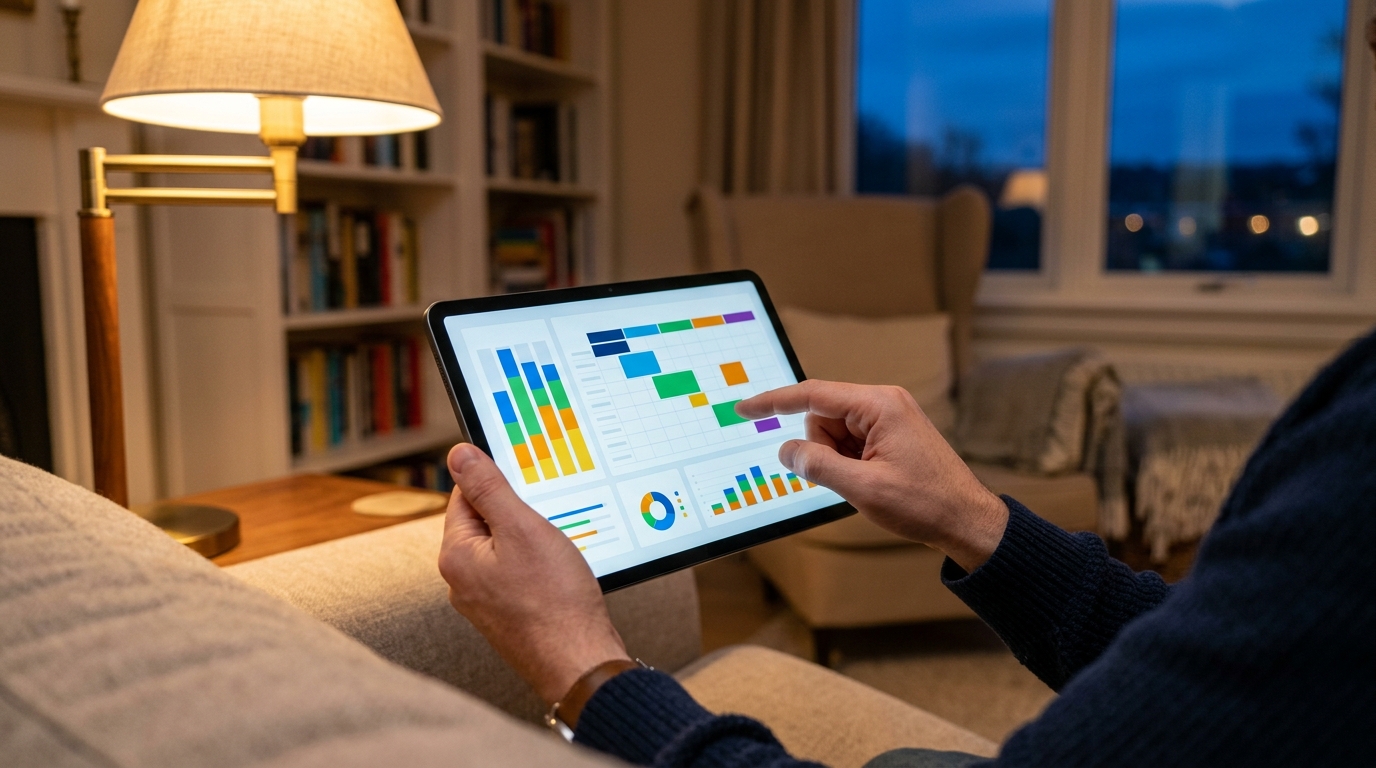
Our retention data shows that users stick with our tools when they can visualize the length and frequency of sessions. If you want a clear picture of digital habits, When: WA Family Online Tracker's session timeline view is designed for that outcome. It translates raw connection data into visual blocks, making it easy to spot late-night screen addiction or distracted study hours without needing to micromanage.
Practical Tip: Look for analytics that show weekly trends. Just as e-commerce and finance sectors analyze session lengths to understand user intent, families should look at weekly average session lengths to identify healthy or unhealthy digital patterns.
Audience Clarity: Who actually benefits from this data?
Based on our active user base, we’ve identified clear profiles of who gets the most value out of structured digital analytics, and who does not.
- This is highly effective for: Parents of teenagers trying to establish fair screen-time boundaries, individuals conducting self-audits to reduce their own phone addiction, and families who prefer objective data over constant arguing about device usage.
- This is NOT for: Individuals looking to secretly spy on a partner. We design our architecture for mutual accountability, and stealth monitoring violates the technical and ethical standards we prioritize as part of the broader portfolio at Frontguard.
Practical Questions We Hear from Our Users
As we reviewed our milestone data, we noticed a few recurring questions in our customer support logs. Here are the direct answers based on how modern infrastructure works.
Does a web client report activity differently than a mobile device?
Yes and no. While the method of connection differs technically, a properly architected measurement tool will aggregate activity whether the user is typing on a physical keyboard via a desktop browser or swiping on their phone. The timeline should unify these sessions.
Why does the activity status sometimes fluctuate rapidly?
This often happens when a user is multi-tasking. If someone is switching back and forth between a messaging thread and a mobile browser to read an article, the operating system may briefly suspend the background application, causing micro-sessions. We filter these out to show broader usage trends.
Building a tool that people actually keep on their phones requires listening to the data. The shift toward transparent, high-performance analytics is permanent. By focusing on multi-platform accuracy and native speed, we are helping families manage digital safety with clarity rather than guesswork.