According to the newly released Mobile App Trends 2026 report by Adjust, global mobile app sessions increased by 7% in 2025, while consumer spending surged to $167 billion. For the families I consult with, this isn't just an abstract industry statistic. It translates directly into longer screen times, more fragmented attention spans, and deeper immersion in messaging platforms. As a technology researcher monitoring digital habits, I regularly observe parents struggling to keep up with how fast their kids jump between devices.
A multi-platform tracking architecture is an integrated system that captures online status intervals across several networks simultaneously—such as WhatsApp and Telegram—to provide a realistic, centralized timeline of digital behavior. We built the new Unified Timeline feature in When: WA Family Online Tracker exactly for this purpose.
The era of checking a single app's timestamp is over. The Adjust report also highlights that artificial intelligence has transitioned from a basic strategic tool into the foundational infrastructure for multi-platform measurement. Here is a practical, step-by-step guide on how to use our latest feature to get a clear, objective view of your family's digital day.

Why does cross-platform visibility matter more than ever?
To understand the behavior we are measuring, we must look at how users switch contexts. A teenager might close the telegram app on their phone to do homework, only to immediately open WhatsApp Web on their laptop. If you are only monitoring one network, you are missing half the picture and operating on flawed assumptions.
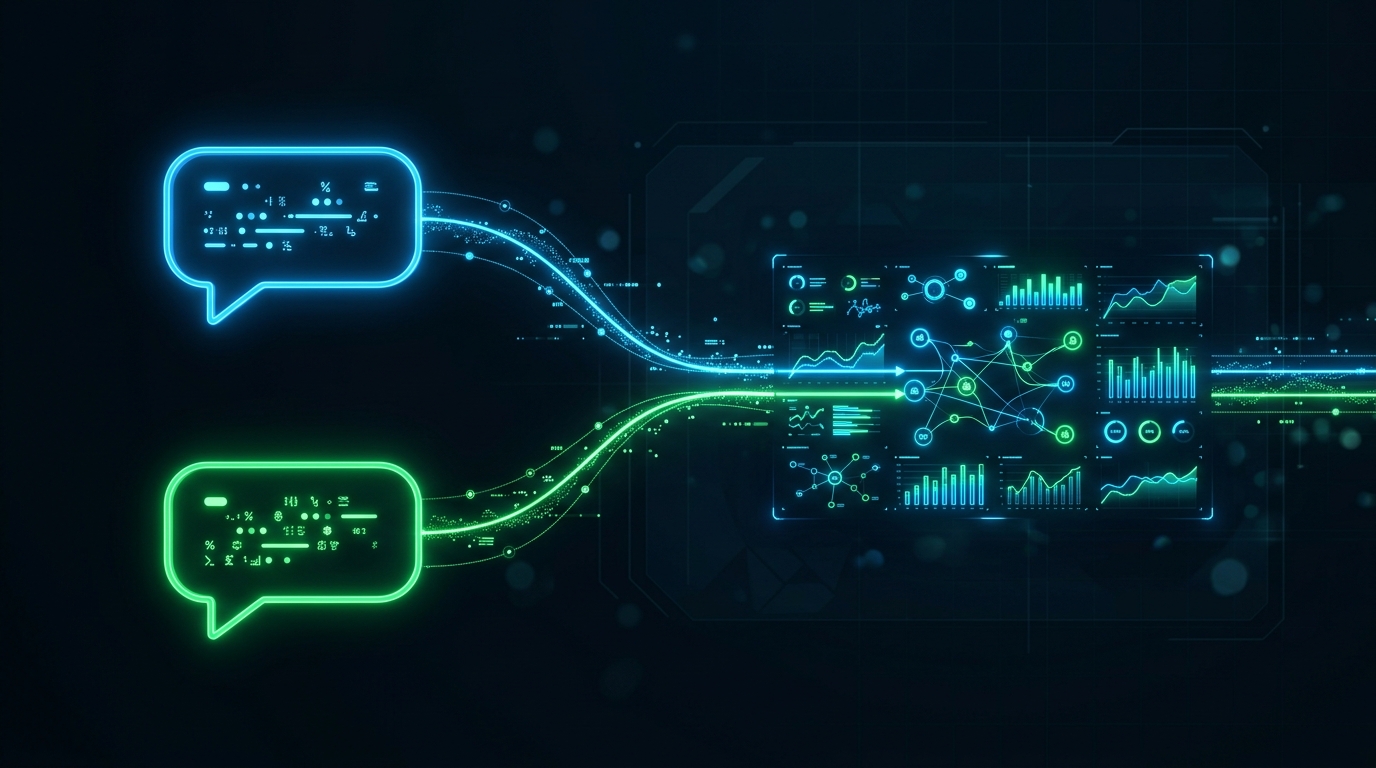
The new Unified Timeline feature merges these fragmented sessions into a single, cohesive view. It is designed for parents, guardians, and families who need an objective baseline of screen habits to establish healthy boundaries. It is not for micromanagers looking to police every single message. If you want to understand broader trends—like whether late-night studying is actually just late-night chatting—this dashboard provides the clarity you need without requiring you to confiscate devices.
How do you set up the new multi-platform dashboard? (Step 1)
Getting started with the new timeline requires just a few initial configurations to establish a baseline of normal activity.
- Update your application: Ensure you are running the latest version of When: WA Family Online Tracker.
- Add profiles systematically: Instead of adding just one number, input the primary contact for both networks. The system will now prompt you to link the profiles under a single family member's name.
- Enable AI pattern recognition: Toggle on the automated session grouping. This is where the app stops being a simple last seen counter and starts behaving like an analytical tool.
Interestingly, transparency is becoming the norm. The Adjust 2026 data shows that iOS tracking consent rates rose to 38% in the first quarter of 2026, indicating that users are increasingly comfortable with measurement tools when they understand the value and trust the environment. Approaching this setup openly with your family builds that exact trust.
What should you look for in the combined activity view? (Step 2)
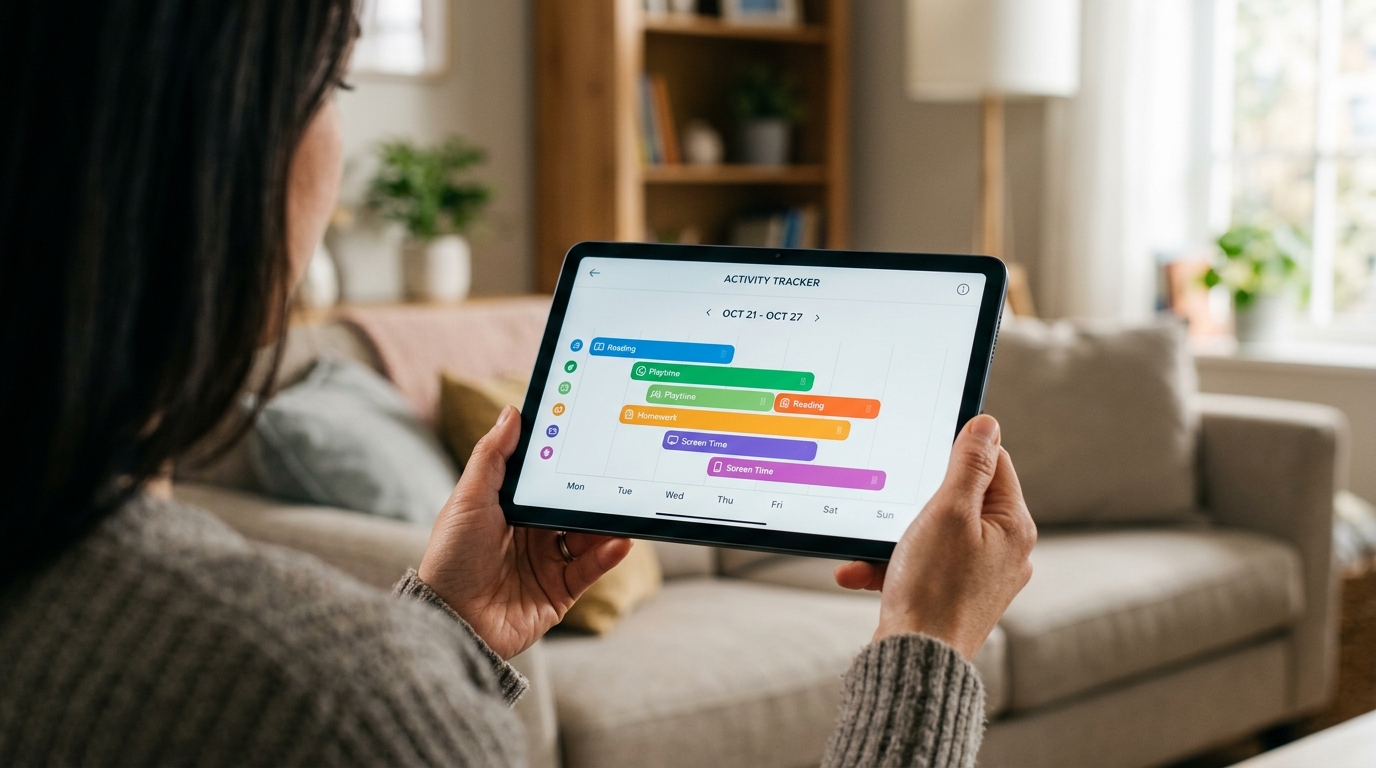
Once the data begins populating, you will see a color-coded graph. This is where you move from raw data collection to actual behavioral insight.
Look for overlapping sessions. It is highly common to see simultaneous active periods on Telegram Web and a mobile messenger. Because third-party modifications like GB WhatsApp can sometimes mask traditional offline statuses on the user's end, having a centralized AI engine analyzing network connection packets directly ensures you are seeing accurate uptime, regardless of the client they are using.
As my colleague Emre Yıldırım has explained previously, the true value of these tools lies in pattern recognition, not isolated alerts.

How do you translate raw data into healthy family rules? (Step 3)
Data without a conversation is just surveillance. The Unified Timeline is built to facilitate better discussions.
Start by identifying sleep disruption. If the timeline consistently shows a dense cluster of online activity between 1:00 AM and 3:00 AM, you have a concrete starting point for a conversation about device curfews. You don't need to argue about what they were doing; the focus remains on the biological necessity of sleep.
Similarly, use the data to validate positive behavior. If the timeline goes completely quiet during school hours or designated study blocks, acknowledge it. Positive reinforcement turns a tracking utility into a trust-building mechanism.
Which common tracking mistakes should you avoid? (Step 4)
Even with the best tools, implementation matters. The most frequent mistake I observe is reactionary checking. Parents receive an "online" notification and immediately text their child to ask what they are doing. This creates instant friction and defeats the purpose of passive measurement.
Another pitfall is relying on outdated, invasive methods. Are you still trying to rely on hidden software or keyloggers? Secret surveillance damages family trust irreparably if discovered. Instead, transparent analytics—much like how Frontguard's family tools approach location tracking—foster an environment of mutual respect and safety.
For a deeper dive into why simple counters fail, I highly recommend Zeynep Aksoy's recent breakdown on session timeline views, which pairs perfectly with this new multi-platform update.
What are the most frequent questions about the new timeline?
To ensure you get the most out of this feature, here are the practical answers to the questions I hear most often from our community.
Does this feature still work if a user hides their timestamp?
Yes. When: WA Family Online Tracker is engineered to process network status intervals directly. It does not rely on the public-facing text on a profile, meaning the timeline remains accurate regardless of basic privacy settings.
Can I export the timeline for a specific week?
Absolutely. The new dashboard allows you to select a custom date range and view the aggregated sessions. This is particularly useful if you are trying to compare digital habits during a holiday week versus a standard school week.
Will it drain my own phone battery to monitor multiple networks?
No. The AI processing and data aggregation happen on our secure servers, not on your local device. Your phone simply acts as the display portal for the analyzed timeline.
Understanding digital habits in 2026 requires adapting to how communication actually happens. By following these steps and utilizing a multi-platform approach, you move away from guesswork and step into clear, informed digital parenting.