
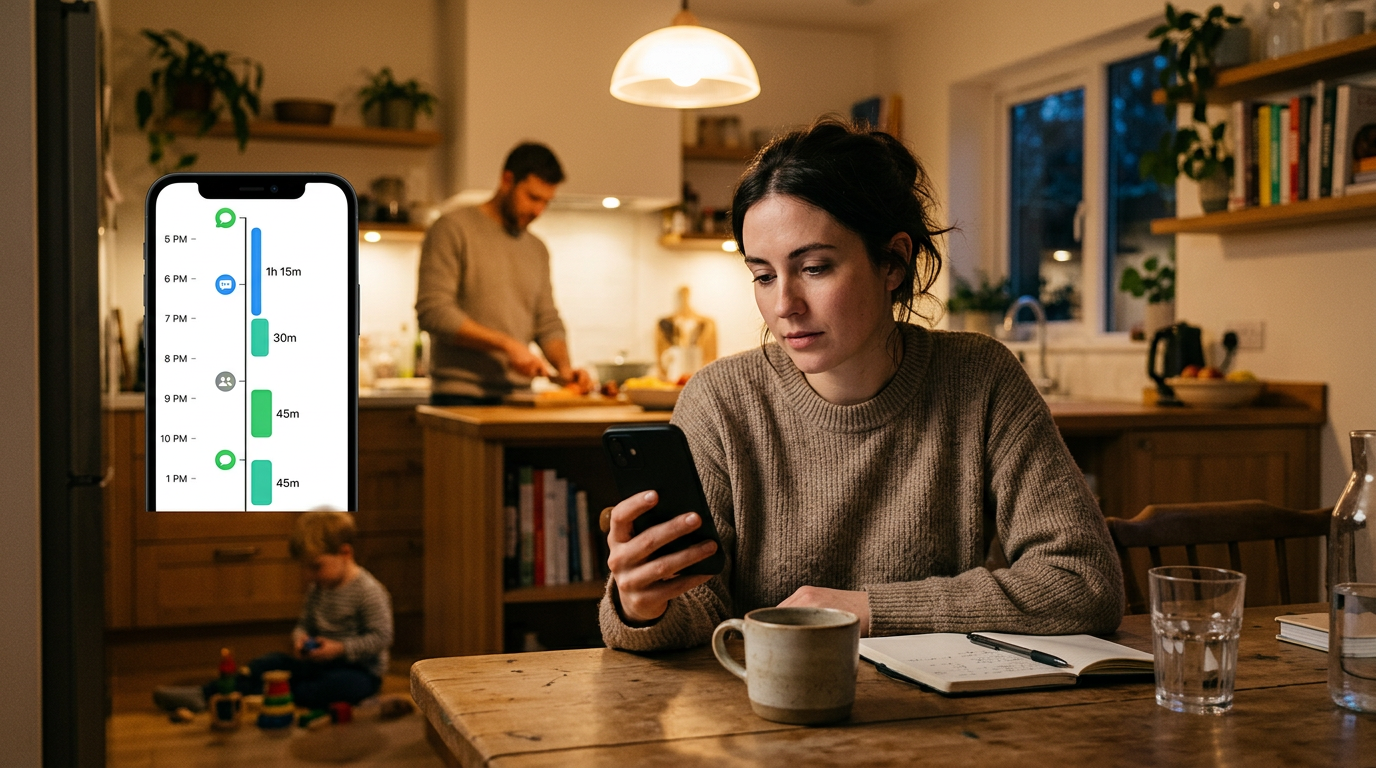
Counting how many times someone was online is easy; understanding the pattern behind those moments is harder. A Session Timeline View is an improved feature in a tracking app that turns scattered last seen, online, and seen signals from whatsapp and telegram into a readable timeline, so real users can spot routines instead of guessing.
That distinction matters. Most people do not need more notifications. They need clearer context: Was a person online once for a few minutes, or in short bursts across an hour? Did two accounts overlap? Was a late-night spike unusual or part of an existing routine? A timeline answers questions that a raw log often cannot.
What changed: from isolated status checks to session-based tracking
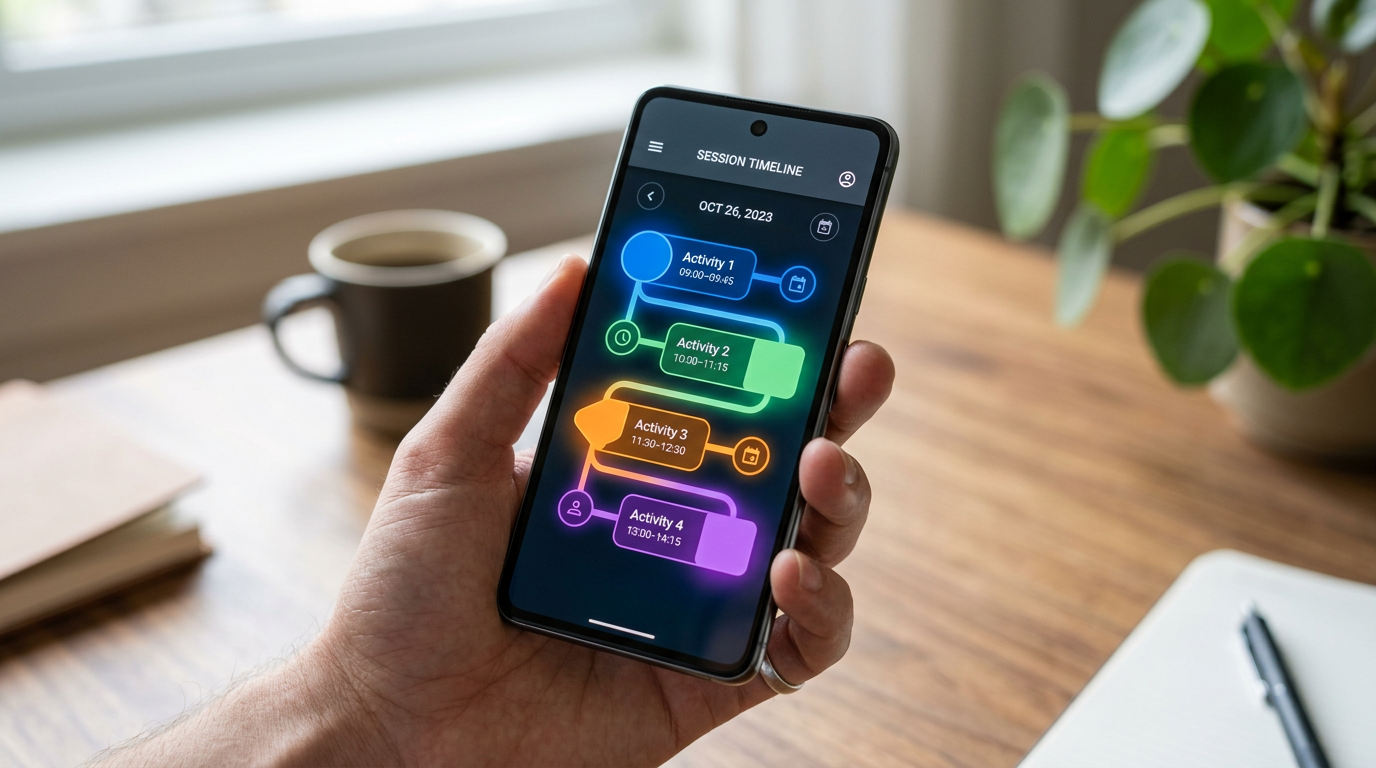
The improved feature groups activity into sessions rather than leaving users with a flat list of timestamps. In practice, that means online periods are displayed as connected blocks, making it easier to read when activity started, how long it lasted, and whether repeated checks belong to one continuous visit or several separate ones.
For families, this is more useful than refreshing whatsapp web or telegram web over and over. Browser checks can show a moment. A session timeline shows a pattern. Unlike manual checking, it reduces the temptation to stare at a screen waiting for a status change.
Why this matters in ordinary life
There is a big difference between curiosity and practical monitoring. A parent may want to understand whether a teen is briefly checking messages after school or staying active deep into the night. A couple managing long-distance communication may want to see whether missed replies reflect a genuinely busy schedule or just mismatched timing. A caregiver may simply want a clearer sense of routine without repeatedly opening whatsapp.
In all of these cases, the useful insight is not “online at 8:14.” It is “active in three short windows between 8 and 9” or “regularly online just after midnight on weekdays.” That is the level where behavior becomes understandable.
Three practical scenarios
1. Parent trying to understand screen-time habits
A single seen marker says almost nothing. A session view can show whether activity clusters around homework hours, dinner, or bedtime. That makes conversations more grounded. Instead of saying “You were online again,” a parent can say, “It looks like messaging keeps stretching into late evening. Should we adjust routines?”
2. Family members comparing overlapping activity
Sometimes users are less interested in one account than in overlap between two. For example, if two people claim they never catch each other at the right time, a timeline can reveal whether their active windows actually miss each other by minutes. That is far more actionable than checking whatsapp web and hoping to catch both online doğrudan.
3. People tracking routine shifts, not isolated events
A sudden change in timing can stand out clearly when viewed as sessions. If somebody who usually appears online in short morning bursts starts showing long late-night blocks, the difference is easier to see across a timeline than in a long activity list.
Who this feature is really for
This improved view is best for users who care about patterns over time rather than one-off checks. That usually includes:
- Parents who want calmer, more informed conversations about messaging habits
- Families managing routines across school, work, and home hours
- People comparing communication windows between accounts
- Users who find manual checking on whatsapp web or telegram web tiring and imprecise
Who is this not for? It is probably not for someone looking for entertainment, instant drama, or constant live surveillance. If the goal is to react to every status change the moment it happens, a timeline may actually feel too thoughtful. It is designed for analysis, not obsession.
What makes a good timeline feature useful instead of noisy
Not every activity log becomes helpful just because it is visual. If you are evaluating a whatsapp or telegram tracking tool, session views work best when they do four things well.
- They group status changes intelligently. Repeated on/off moments should not feel like a wall of clutter.
- They show duration clearly. The difference between a 2-minute check and a 40-minute session matters.
- They make comparison easy. This is especially important for households watching routine overlaps.
- They stay readable on mobile. A feature built for an app should not feel like a cramped export from desktop reporting.
That last point is easy to overlook. Many people still try to infer activity by switching between chats, browser tabs, telegram app windows, or even modified tools such as gb whatsapp. The problem is that these approaches tend to create fragments, not understanding. A timeline brings the fragments together.
A quick comparison: raw logs vs session timelines
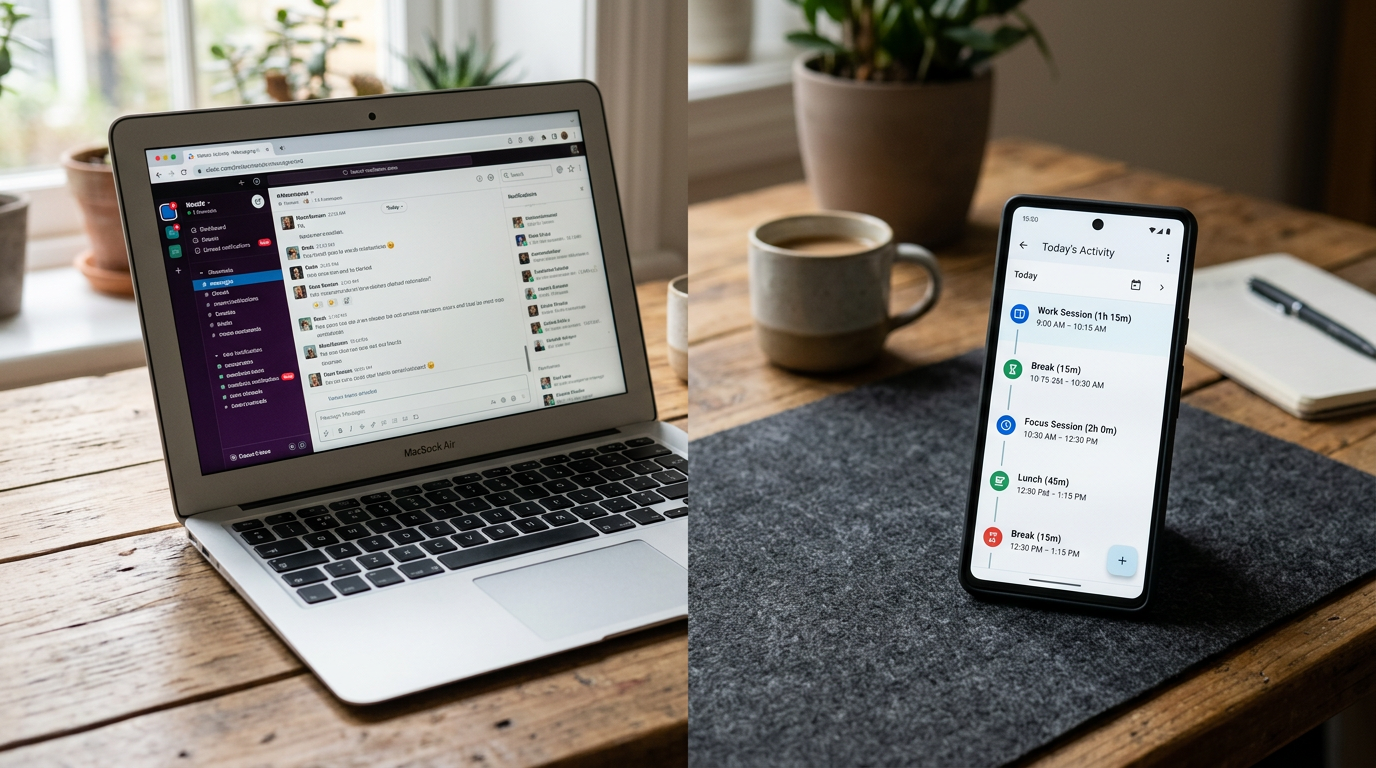
| Approach | What you get | Main limitation |
|---|---|---|
| Manual checking in whatsapp web or telegram web | Immediate status snapshots | Easy to miss context and wastes attention |
| Simple last seen list | Timestamps of visible activity | Hard to understand duration or clusters |
| Session Timeline View | Connected online periods and repeat patterns | Best for trend reading, not instant emotional reactions |
That is why this feature feels like an actual improvement rather than a cosmetic update. It changes the unit of understanding from “one timestamp” to “one session.”
How to use it well without overreading it
The smartest use of a timeline is to look for repeated patterns first and isolated anomalies second. One unusual night may mean nothing. A two-week shift usually means more.
A practical way to read the feature:
- Start with the broad shape of the day: morning, afternoon, evening, late night
- Notice session length, not only frequency
- Compare weekdays and weekends separately
- Use overlap views only when there is a real question to answer
This avoids a common mistake: treating every last seen event like a message in itself. Status activity is a signal, not a full explanation.
Questions people naturally ask
Does a session timeline replace last seen data?
No. It organizes last seen and online changes into something easier to interpret.
Is this only useful for whatsapp?
No. The same logic helps with telegram activity too, especially when users want to compare habits across both platforms.
Can this help if I already check telegram app or whatsapp web manually?
Yes, if your problem is inconsistency. Manual checks catch moments. Timelines help you read the whole day.
Is it useful for everyone?
No. If someone only wants a quick yes-or-no online check, a full session view may be more than they need.
Where When: WA Family Online Tracker fits
When: WA Family Online Tracker is a mobile app for people who want direct activity tracking for whatsapp and telegram on mobile platforms, with a stronger focus on readable patterns than endless refreshing. If you want to understand how activity is distributed across the day rather than chase every single status change, the app’s session-based view is designed for that.
It also fits a very specific kind of user: someone who prefers a phone-first experience over makeshift habits involving whatsapp web, telegram web, or scattered notes. That does not make browser tools useless. It just means they serve a different job.
For a broader explanation of how the app approaches activity visibility, this overview of what the app helps users see on WhatsApp and Telegram gives helpful background. And if you are interested in the practical lessons that emerged from a larger user base, this piece on what families actually learn from activity tracking over time adds useful context.
The real benefit is less guessing
Some features sound impressive but change very little in daily use. A Session Timeline View is more valuable because it reduces guesswork. It helps users move from scattered seen markers to a more stable reading of routine, overlap, and duration.
That may not sound dramatic, but it is often what people actually need. Not more noise. Not a dashboard that tries to do everything. Just a clearer way to read what was already happening.
And no, this has nothing to do with searches like last of us, even though the word last shows up in both contexts. Here, the useful question is much simpler: can a feature help you understand behavior better than manual checking? In the case of a good session timeline, the answer is yes.